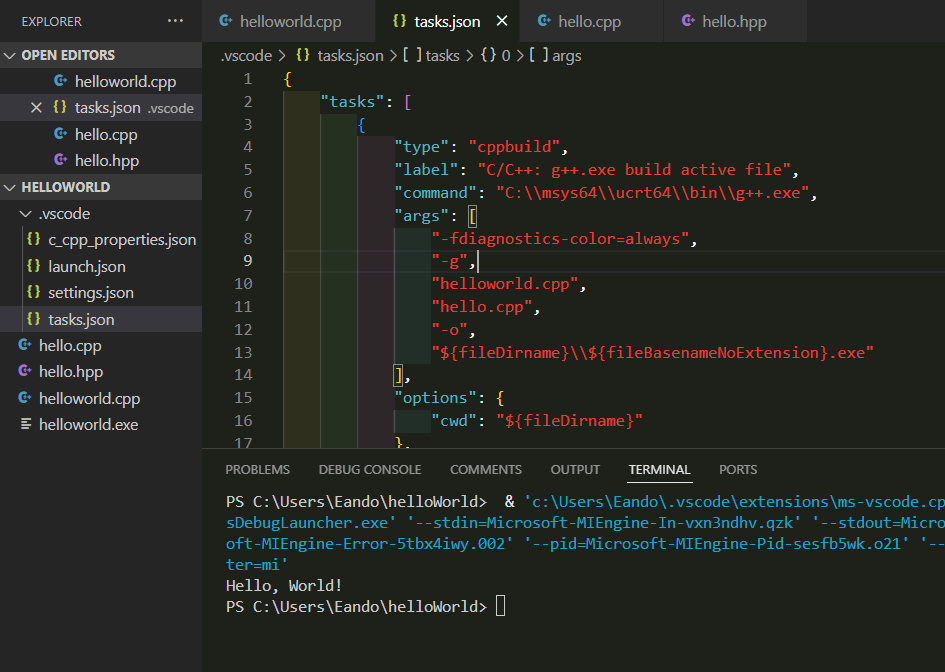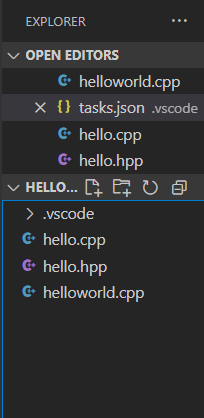
If your project has multiple files, you can configure the `tasks.json`file to compile all of the C++ files you currently have open. Do this
by opening .vscode -> tasks.json and replacing `${file}` with all of the .cpp files in your folder under the `args` entry.
For example, if you have a file named `main.cpp` and another file named `functions.cpp`, you would replace `${file}` with `main.cpp', 'functions.cpp`,
With this configuration change made, go back to the file with the main
function. You should be able to run the compiler normally as you have done before.